
In-store radio with AI music and time-based scheduling
In-store radio is a background music service that plays right in your store's browser, with no ECAD fees. On NuvemFlex you build the schedule by time slot, upload announcements, and receive a monthly playlist certificate.
- 16,127 songs across 45 styles
- Ready-made environments and time-based scheduling
- Volume and business hours per location
- Your announcements in MP3
- Monthly playlist certificate
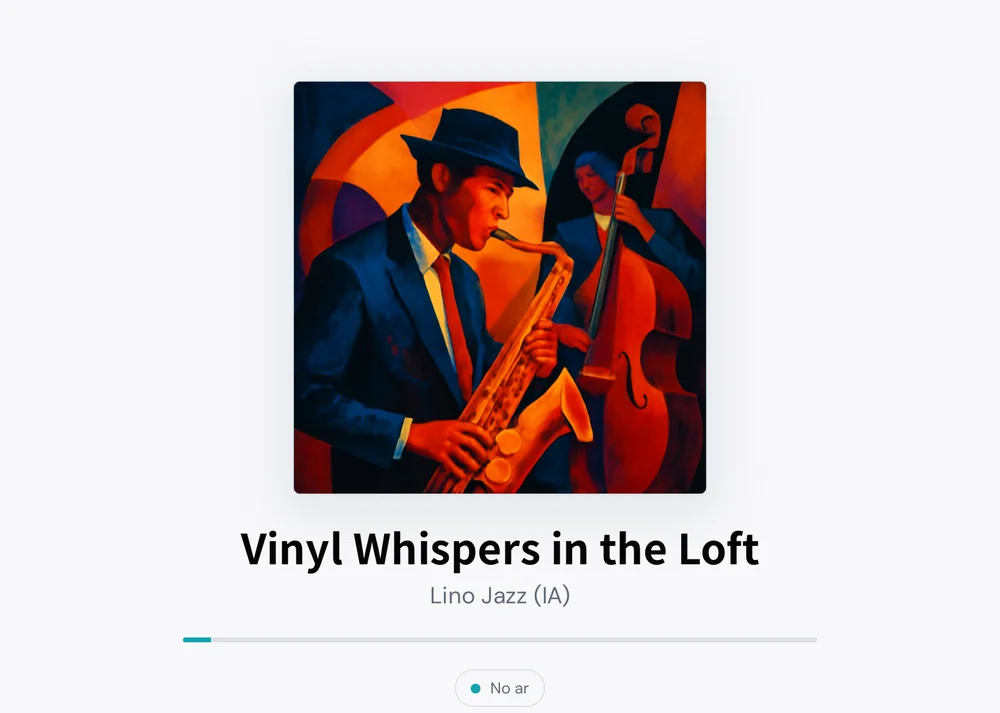
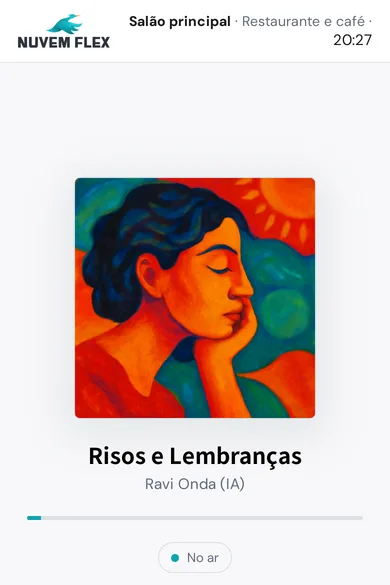
Ready-made environments
Each environment is a mix of styles designed for a specific type of venue. Use it as is or create your own.
Retail & stores
Upbeat pop to keep customers browsing.
Pop Brasil, Pop, Dance, Latin Pop, Disco, Indie
Gym
Heavy beats for workouts.
EDM, House, Funk, Drum & Bass, Trance, Techno, Hip-Hop, Trap, Reggaeton
Clinic & spa
Calm, with no distracting vocals.
Ambient, Lo-Fi, Classical, Soundtrack
Restaurant & café
A conversational vibe.
MPB, Bossa Nova, Jazz, Soul, Blues, Samba
Bar & happy hour
To liven things up at the end of the day.
Samba, Pagode, Sertanejo, Forró, Axé, Rock, Pop Brasil
Church & Christian events
Praise and Christian music.
Gospel, Christian
Office
Focus without distractions.
Lo-Fi, Ambient, Jazz, Synthwave, Classical
All Brazilian
Only Brazilian rhythms.
MPB, Samba, Pagode, Forró, Piseiro, Sertanejo, Axé, Bossa Nova, Pop Brasil, Funk, Rap Nacional
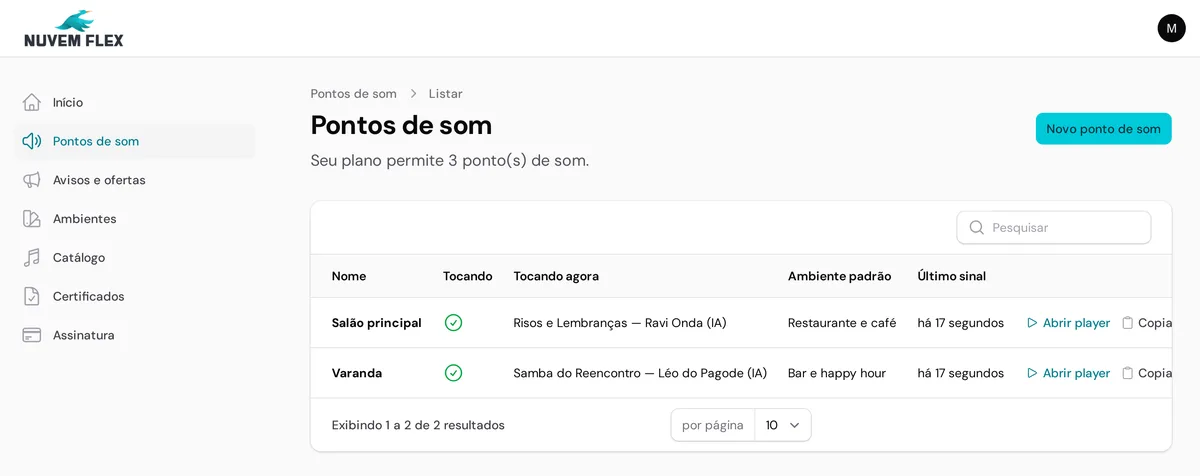
Features
Every speaker in your store or every branch is a point, with its own link, volume, and schedule.
Set the environment for each time slot, day by day. The player switches automatically at the right time.
Time-based scheduling
Set the environment for each time slot, day by day. The player switches automatically at the right time.
Announcements & promos
Upload your MP3 or type the text and pick an AI voice. Set a start and end date for each campaign.
Time announcement
On Pro and Network plans, the current time is announced between songs using the real local time.
Multiple points
Every speaker in your store or every branch is a point, with its own link, volume, and schedule.
Business hours
Outside business hours the player stays silent. When the store opens, the music comes back.
No annoying repeats
The system avoids repeating songs and artists back-to-back, even on long days.
In-store TV
Store videos and offers on your digital signage TV, playing along with the music. Learn more.
In-Store Radio plans
Monthly pricing, no contracts.
Indoor Essencial
- 1 sound point (browser, TV, or PC)
- Over 10,000 songs, 45 styles
- Ready-made environments and time-based scheduling
- Your announcements recorded in MP3
- Monthly playlist certificate
Indoor Pro
- Up to 3 sound points
- Everything in Essencial
- 20 voiceovers per month created with AI voices
- Time announcement
- Different schedules per point
Indoor Rede
- Up to 10 sound points
- Everything in Pro
- 60 voiceovers per month
- Announcements per store or network-wide
- Dashboard showing what's playing in each store
In-Store Radio FAQ
Where does the music play?
On any device with a browser and internet: the register computer, a TV with a browser, a laptop, or a phone connected to a speaker. Each point gets its own link. Just leave the page open and the music keeps playing.
Can I have a different schedule for each time slot?
Yes. You set up the schedule by day of the week and time slot. Play something calmer in the morning and something livelier in the afternoon — the player switches automatically.
How do announcements work?
Upload a recorded MP3 or type the text and choose a voice. The system generates the voiceover and plays it between songs as often as you set. You can also define a start and end date for each offer.
What if the internet goes down?
The player retries automatically and picks up where it left off once the connection is back.